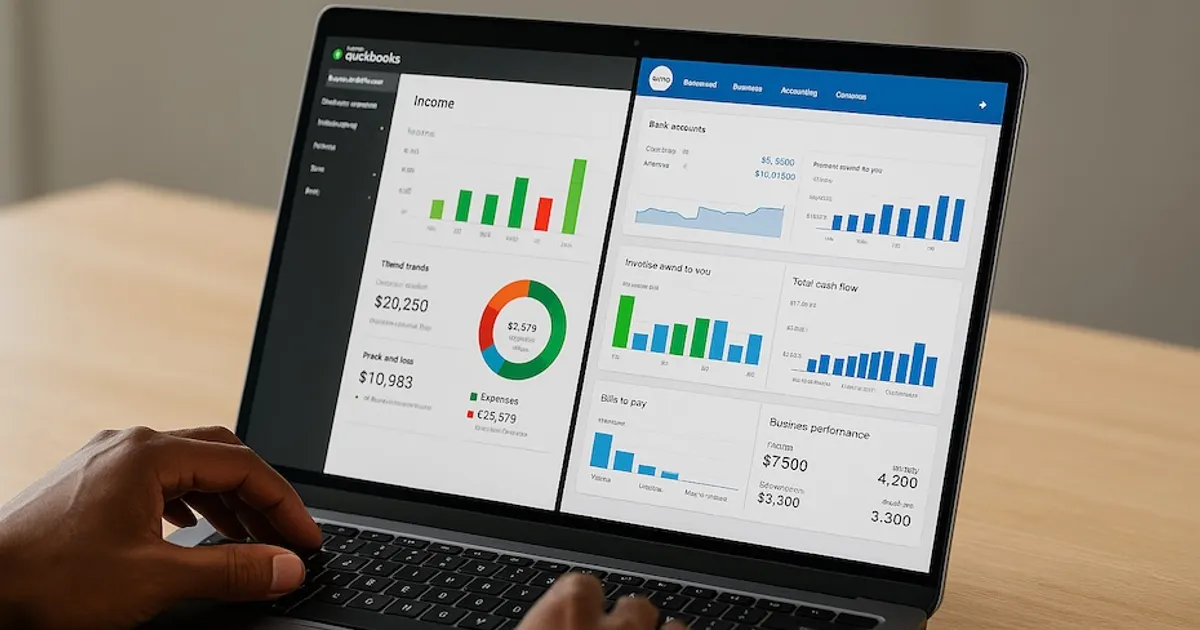
QuickBooks generally stands out for solo consultants who need advanced reporting, integrations, and scalability, while Xero appeals to those wanting simplicity, unlimited users, and faster onboarding.
As a solo consultant, your financial management system should save you time, reduce errors, and scale with your practice. This article breaks down how QuickBooks and Xero stack up, where each excels, and how to determine which tool is the right fit for your consulting business.
What makes QuickBooks different from Xero for consultants?
QuickBooks has been around longer and offers both cloud and desktop versions, making it versatile for different working styles. It’s known for its detailed reporting, strong compliance features, and wide ecosystem of integrations.
Xero, built as a cloud-native platform, is recognized for its clean interface and ease of use. It emphasizes collaboration with unlimited users, making it practical if you want to share access with your accountant or bookkeeper without extra fees.
For consultants, the distinction lies in depth versus simplicity. QuickBooks provides more granular controls and customization, while Xero ensures you get up and running quickly with less complexity.
Which tool is easier for you to use day-to-day?
Xero tends to be more intuitive for consultants without a strong accounting background. The platform’s layout is straightforward, so you’ll spend less time figuring out navigation and more time billing clients.
QuickBooks, on the other hand, comes with more features that can feel overwhelming at first. But that same complexity becomes valuable when your consulting practice grows. It handles advanced tasks—like multiple currencies, detailed project costing, and payroll—natively, which saves you from adding external apps later.
The choice here comes down to your comfort level. If you prefer fast onboarding with minimal training, Xero makes sense. If you’re willing to climb a steeper learning curve for long-term capability, QuickBooks delivers.
How do invoicing and payments compare?
Both platforms allow you to create professional invoices, set recurring billing, and accept online payments. Xero’s invoicing tools are streamlined, making them ideal if you want speed and simplicity. Payment links can be added directly, allowing clients to pay with minimal friction.
QuickBooks offers more customization and functionality. You can integrate time tracking, attach billable expenses, and set up client-specific payment terms. This makes QuickBooks particularly strong if you bill by project milestones or hourly work.
If invoicing is your primary need, either platform works. But if you want to attach complex billing rules, QuickBooks gives you more room to tailor invoices to your consulting style.
What about reporting and analytics?
QuickBooks leads in this category. Its reporting capabilities allow you to filter by client, project, or time period. You can generate cash flow projections, profit and loss by project, and detailed expense tracking.
Xero covers the basics—balance sheet, P&L, and cash flow—but advanced analytics usually require third-party apps. While this may work fine in the early stages, it can add costs and complexity as your consulting needs grow.
If you want a tool that can serve as both your bookkeeping platform and reporting hub, QuickBooks is the better investment.
Which has stronger integrations and ecosystem support?
Xero integrates with more than 1,000 apps, making it highly flexible. If you already use a stack of tools for scheduling, time tracking, or CRM, Xero can likely connect with them.
QuickBooks also has a vast marketplace of apps but provides more native automation for U.S.-based users. Its payroll, expense capture, and tax features are deeply integrated, which reduces your reliance on third-party tools.
Before deciding, look at your existing workflow. If you already depend heavily on specialized apps, Xero’s ecosystem gives you flexibility. If you want a platform that reduces external dependencies, QuickBooks provides more built-in coverage.
How do pricing and scalability compare?
Xero offers predictable pricing with unlimited users across all plans. This is valuable if you plan to share access with an accountant or assistant without paying per seat.
QuickBooks limits users per plan, and you’ll pay more as you scale. However, its higher tiers provide advanced features that often justify the added cost, particularly if you want project-based accounting, deeper reporting, or payroll integration.
For a lean solo operation, Xero keeps costs lower and access flexible. But if you’re planning to grow your consulting into a multi-client or multi-entity business, QuickBooks ensures you won’t outgrow your platform.
How should you decide between QuickBooks and Xero?
The decision comes down to priorities:
- If you value simplicity, unlimited users, and affordability, Xero is well-suited for your workflow.
- If you need scalability, advanced reporting, and stronger accountant support, QuickBooks is the safer long-term choice.
Many consultants test both platforms side by side for a trial period. By using real invoices, expense uploads, and reports, you’ll quickly see which tool feels natural and which provides the power you need.
QuickBooks vs Xero: Which Is Better for Solo Consultants?
- QuickBooks: Strong for invoicing, expense tracking, tax prep
- Xero: Best for collaboration, cloud access, and affordability
- Both: Offer reporting, bank feeds, and integrations
Choose the Platform That Works for Your Growth
The right accounting tool is the one that saves you time and strengthens your consulting business. QuickBooks delivers advanced control and scalability, while Xero emphasizes simplicity and collaboration. Start with the one that aligns with your current needs, but think ahead to the consulting practice you want to build. That forward-looking choice will keep your books clean, your taxes organized, and your focus on clients—not spreadsheets.